
سئو
What is Google Knowledge Graph? A comprehensive guide to understanding the Google Knowledge Graph
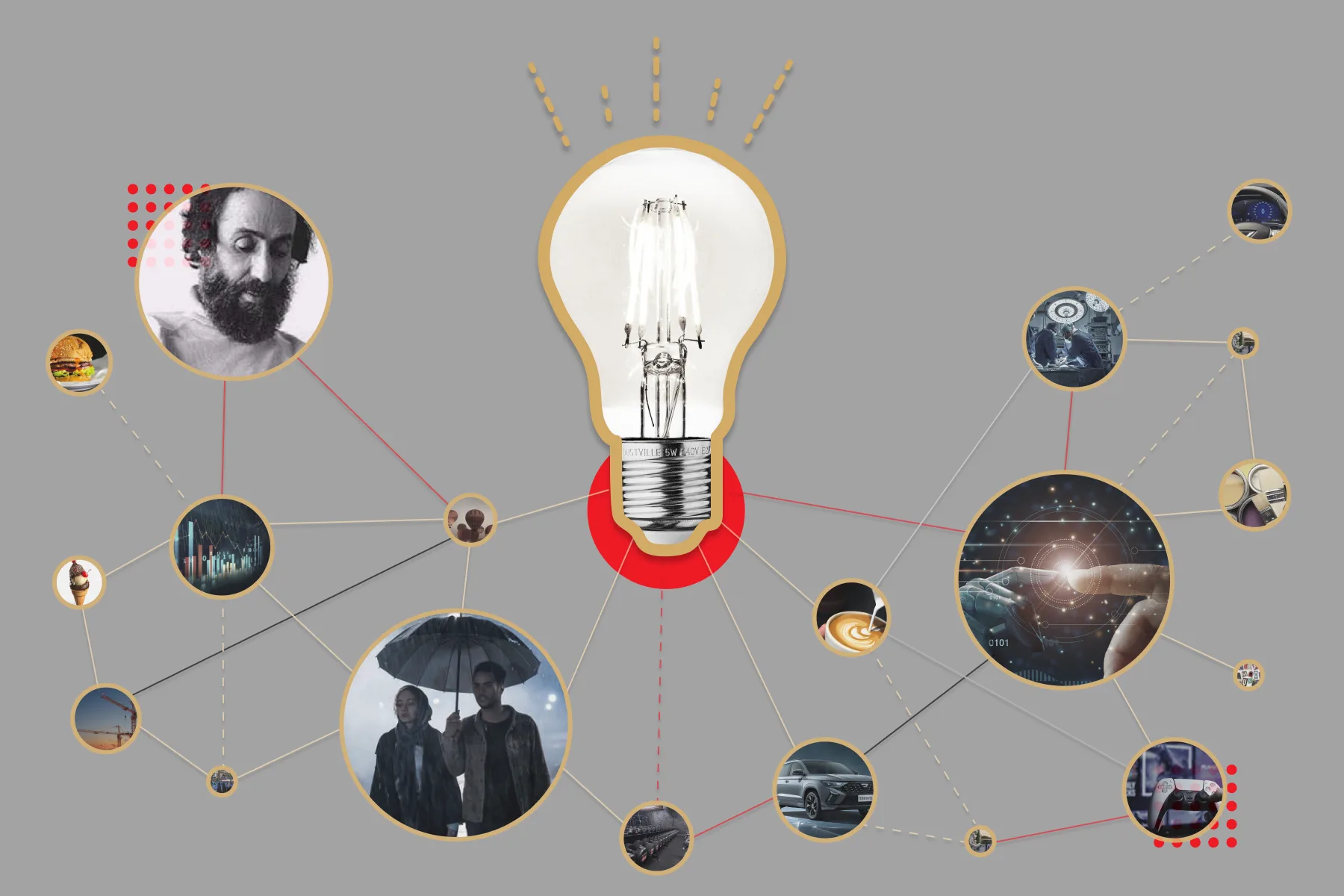
google knowledge graph? a comprehensive guide to understanding the google knowledge graph: Wikidata is a clear example of this type of knowledge graph. There are different types of knowledge graph, each of which is designed depending on the type of data and intended application.
google knowledge graph? a comprehensive guide to understanding the google knowledge graph: Wikidata is a clear example of this type of knowledge graph. There are different types of knowledge graph, each of which is designed depending on the type of data and intended application.
What are the types of knowledge graph?
There are different types of knowledge graph, each of which is designed depending on the type of data and intended application. In the following, we examine the types of knowledge graphs:
1. General Knowledge Graphs
These types of knowledge graphs provide extensive information on various topics and are usually created by large companies to search and analyze data. Prominent examples of this type are:
- Google Knowledge Graph: Used to improve search results.
- Wikidata: An open and collaborative database.
2. Domain-Specific Knowledge Graphs
These knowledge graphs are designed for specific fields such as medicine, law or education. The data in this type of graph is organized in a specialized way and related to the main topic.
Example: Medical knowledge graph used to store and analyze information about diseases, treatments and drugs.
3. Enterprise Knowledge Graphs
These types of knowledge graphs help companies to manage and analyze their internal data. Their main goal is to integrate organizational data to improve decision-making processes.
Applications: Knowledge management in organizations and communication between data from different sources.
4. Personal Knowledge Graphs
These knowledge graphs allow people to organize their personal information. This information can include activity history, interests, or data related to social networks.
Example: Time management or note-taking applications that organize users' information graphically.
5. Open Knowledge Graphs
These knowledge graphs are publicly and freely available and are usually used for research projects and software development. Wikidata is a clear example of this type of knowledge graph.
6. Dynamic Knowledge Graphs
In this type, data is constantly updated to reflect new information and changes quickly. These types of graphs are mostly used in online systems such as advanced search engines.
The choice of the type of knowledge graph depends on the needs, objectives and the type of data to be organized. From general to specialized knowledge graphs, this technology plays a key role in improving access to knowledge and data analysis, shaping the future of artificial intelligence and knowledge management systems.
What is Google Knowledge Graph?
Google Knowledge Graph or "Google Knowledge Graph" is one of Google's innovations to improve search results. This powerful system is a database that stores and organizes various information in a relational and linked manner so that when you search on Google, Google can better understand what you are looking for and provide more accurate information.
The main purpose of Knowledge Graph is that instead of only understanding words, Google also understands their meaning and can recognize the relationship between different things. For example, when you search for "Albert Einstein", Google doesn't just look for pages related to this name; Rather, it has access to complete information about him, such as his date of birth, occupation, achievements, and connections with other scientists.
This information is categorized and summarized next to the search results page. Knowledge Graph helps Google to show not only word-based results, but also concept-based results and links between information.
In addition to displaying content in Google search results, the information extracted by Knowledge Graph plays an important role in the personalized feed of the Google application (Google Discover). If you still don't know what Google Discover is and how it displays content to users, we recommend this article What is Google Discover? read the
Goals and benefits of Google Knowledge Graph
In this section, we will examine the main goals of Google Knowledge Graph and its benefits for users and businesses.
What are the goals of Google Knowledge Graph?
- Improving the semantic understanding of searches: One of the most important goals of the knowledge graph is to increase the search engine's understanding of the content of the pages. With the help of this technology, Google can display more relevant and accurate results to users by identifying different people, places and concepts.
- Quick and direct answers to questions: Knowledge Graph helps Google to answer users' questions in the form of "instant answers" or snippets, directly without the need to open other websites. This allows users to receive faster responses.
- Creating relationships between different data: Knowledge Graph gives Google the ability to create a complex structure of concepts and information by creating relationships between different data. For example, make connections between movies and their actors, or their countries and cities.
- Improved user experience: Google uses Knowledge Graph to display Information Panels in search results that provide comprehensive and concise information about searched topics and improve user experience.
What are the benefits of Knowledge Graph?
- Increasing the accuracy of search results: Considering that the knowledge graph achieves a semantic understanding of the content, the presented results are more accurate and more responsive to the user's needs. This helps users to reach the desired result with one search instead of consecutive searches.
- Providing comprehensive and integrated information: Knowledge Graph can provide comprehensive and integrated information to the user by displaying information related to a specific topic in the form of a panel. These panels can include images, descriptions, dates, and other details.
- Facilitating the research and learning process: Using Knowledge Graph, users can find the information they need faster, and this issue is especially important in educational and research cases. A knowledge graph can also help users identify topics related to their search and expand their knowledge.
- Reduce search time: With the help of Knowledge Graph, users get more detailed information and spend less time searching and checking different results. This is invaluable for users looking for immediate and accurate answers.
- Increasing search engine efficiency: Google Knowledge Graph also helps Google itself to make its search algorithms smarter and more efficient. This technology makes Google understand the meaning behind each search instead of analyzing each word and provide better results.
What are the key elements of Google's knowledge graph?
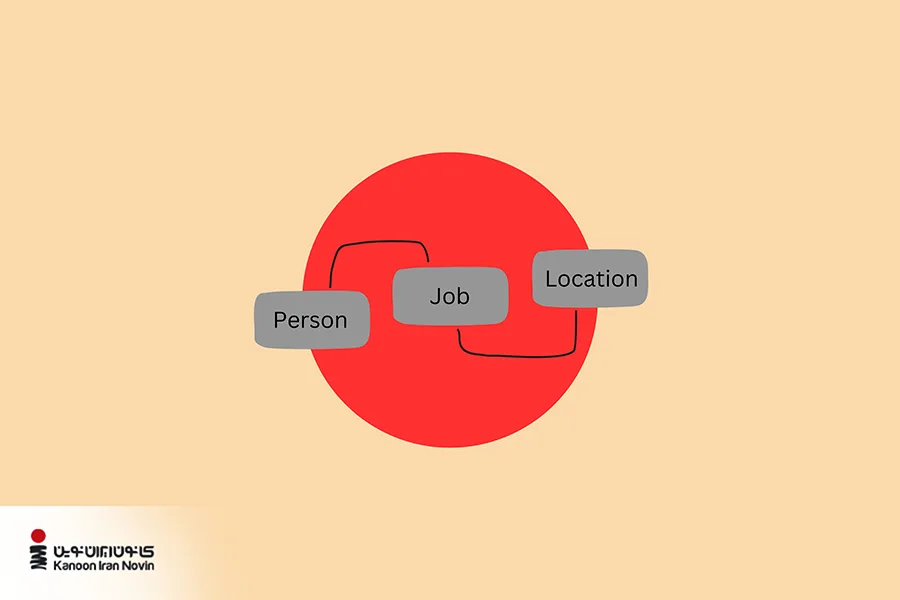
As we said before, Google Knowledge Graph is a huge database of information and structured data that was created to improve the user experience and provide accurate and faster answers to their questions. This database provides the possibility of displaying relevant and useful search results through aggregating and linking information from different sources. In this section, we will examine the key elements of the Google Knowledge Graph and how it works.
1. Entities
Entities are the main elements of the knowledge graph, which include people,places,Organizations,objects and Various topics they become Each entity in the knowledge graph has its own characteristics and information, and using these entities, Google presents search results to users according to the meaning of the search.
2. Attributes
Each entity has unique characteristics and attributes that provide a more complete profile of it. For example, if the institution is a person, attributes such as date of birth, nationality, occupation and other personal information are also recorded in the knowledge graph. These features help Google provide more accurate information to users.
3. Relationships
Relationships between entities are one of the most important components of a knowledge graph, which enables the display of semantic links between different entities. For example, the connection between two famous people or two historical places can help users to better understand the concept of their search topic and obtain more comprehensive information.
4. Sources of Information
Knowledge Graph extracts its information from various reliable sources such as Wikipedia, Freebase, reliable websites and other sources. These sources help Google to obtain accurate and reliable data to complete its knowledge graph and provide more accurate information to users.
5. Continuous Updates
Google continuously updates the knowledge graph to make new and updated information available to users. These updates are made to ensure the correctness and accuracy of the information and to better respond to the needs of users.
6. Knowledge Panel
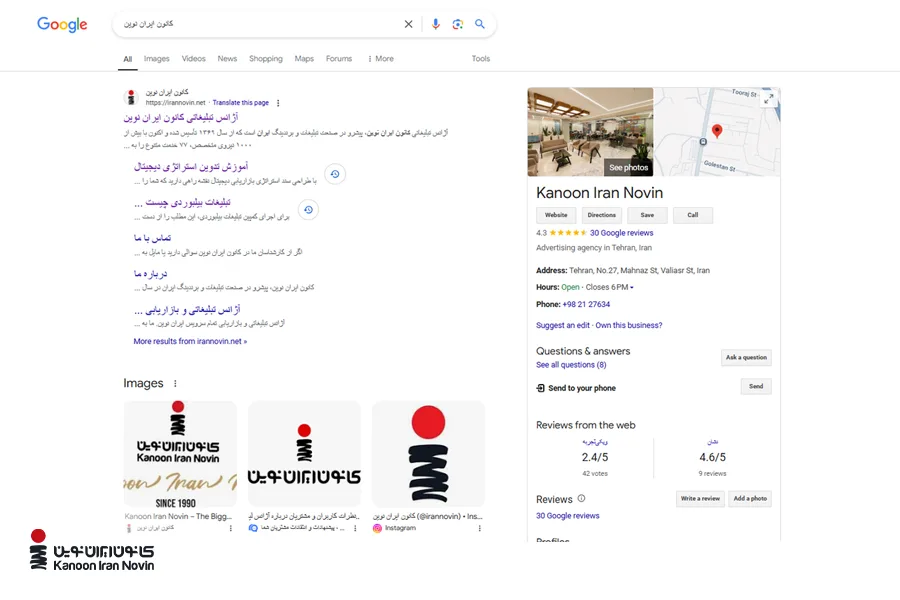
Knowledge Panel is the information box that is displayed on the search results page when searching for a specific entity. This section displays more relevant and comprehensive information about the search topic in a compact and attractive manner and includes images, descriptions and details that are very useful for users.
7. Data Processing and Analysis
Knowledge Graph analyzes and optimizes the collected data using artificial intelligence algorithms and natural language processing. These analyzes help Google to extract more accurate and deeper meaning from the data and provide more accurate answers according to the user's question.
By combining entities, attributes, relationships and continuous updates, Google's Knowledge Graph has created a powerful tool to improve the quality of users' searches. This system helps Google to provide accurate, regular and practical information to users faster and provide a better user experience.
Technical review of Google Knowledge Graph
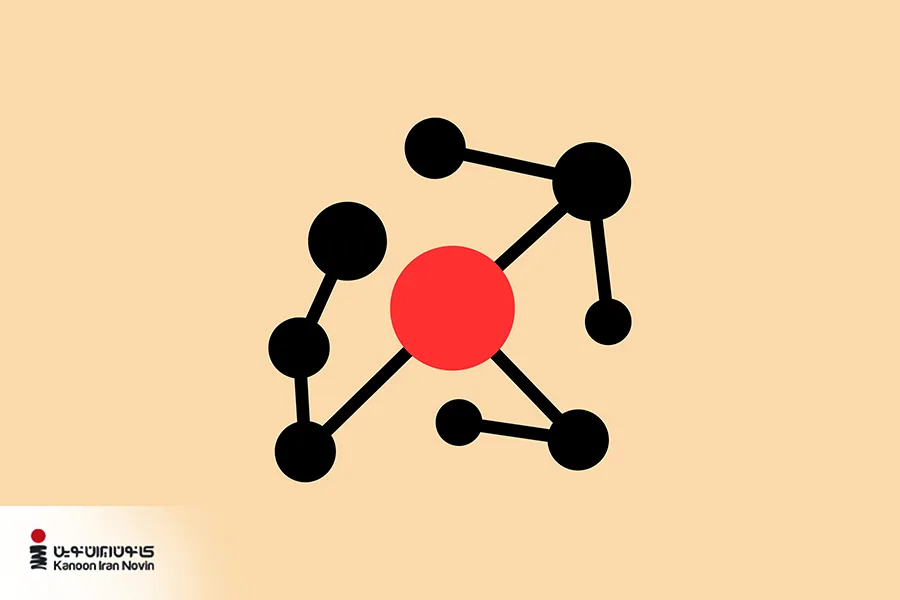
In this section, we will analyze the data structure of the knowledge graph, including nodes, edges, and the information pyramid, and how to use machine learning and natural language processing algorithms to improve its accuracy and efficiency.
1. Data structure and ontology
A knowledge graph uses data structures such as nodes, edges, and hierarchies to organize information. Nodes represent entities and connections represent relationships between them. This structure helps Google manage information in an organized and highly relatable manner.
2. Machine learning and natural language processing (NLP)
Using machine learning and natural language processing (NLP) techniques, Knowledge Graph is able to identify patterns and complex relationships between data. This process allows Google to better interpret the information and avoid possible errors in the presentation of information. For example, if Google identifies "Tesla" as an entity, it can specify that the phrase refers to the company "Tesla Motors" or "Nikola Tesla".
3. Update and data quality control
The Knowledge Graph is constantly updated and Google uses quality control systems to ensure data accuracy. This process involves adding new data and removing invalid data.
SEO tips to optimize content for Google Knowledge Graph
Optimization Content production strategy It has become one of the most important issues for search engines, especially when it comes to Google Knowledge Graph. In order to improve the ranking of the site and to be seen better in the search results, you should consider some points so that your contents are coordinated and optimized with the knowledge graph. Here are the key points for this:
1. Using structured data
Structured data is one of the most important tools to help Google better understand the content of your pages. This data is added to the HTML code of the pages in a standard format (such as JSON-LD, Microdata and RDFa) and helps Google to display the information in the Knowledge Graph. Using Schema.org you can implement structured data for different types of information such as events, local businesses, products and articles.
2. Focus on creating authentic and accurate content
Google is looking for reliable and valuable content that provides users with correct and useful information. To succeed in the Knowledge Graph, you need to ensure that your content is valid and accurate. Link to reliable sources and use up-to-date information so that Google's algorithms place your content in the search results and knowledge graph.
3. Using relevant and natural keywords
Keywords still play an important role in SEO, but when optimizing for Knowledge Graph, you need to use relevant and natural keywords strategically in your content. Google pays particular attention to the relationships between words and uses these relationships to build a knowledge graph. Therefore, you need to make sure that your content contains keywords that both fit naturally in the text and are connected to relevant concepts.
4. Use of explanatory images and videos
Images and videos help Google better understand your content and display it in the Knowledge Graph. For this, you can use alt and title tags for images and put appropriate descriptions in them. Also, the use of explanatory videos can help enrich information and increase accessibility.
5. Optimizing pages and site structure
The structure of your site should be such that search engines can easily access the desired information. This includes URL structure, using proper HTML headers, creating an XML sitemap, and ensuring that pages load properly. In this way, search engines can index your pages more easily and display relevant information in the knowledge graph effectively.
6. Focus on relevant and detailed copywriting
In order for your content to appear in the Knowledge Graph, you must provide accurate and complete information about specific topics. Your content should be written in such a way that it contains enough details that Google can use it in featured results such as Featured Snippets or Knowledge Panel.
7. Attention to online feedbacks and external links
High rankings in the Knowledge Graph usually include information from multiple sources. If you want your content to appear in these sections, you need to get links from reputable sources and benefit from positive online feedback.
8. Increasing user interactions
Google pays attention to user interactions with your content. The more users interact with your content (such as liking, commenting, and sharing), the more likely it is to be seen in the Knowledge Graph. Attractive and useful content can lead users to interact more with your site.

Future directions for knowledge graph
It is predicted that in the future, the knowledge graph will move towards more accurate and extensive predictions with more use of artificial intelligence. These changes can offer users and content creators new opportunities, as well as improve SEO.
How to activate Google Knowledge Graph for your business?
In order for your business to appear more professional in Google search results and for your key information to be displayed prominently in the Knowledge Graph, you need to go through some steps. In this section, we will explain step-by-step how you can implement a knowledge graph for your business using available tools and techniques and reap the benefits of this capability.
1. Create or optimize a Google My Business account
First, make sure that a Google My Business account (now known as a Google Business Profile) is registered for your business and that the information is complete. If you do not have this account, follow the step-by-step guide below:
- to the site Google My Business go
- Create an account or log in to your existing account.
- Enter or update key information:
- Business name
- Your type of business (online, local store, service provider)
- Choose your business category
- Your place of business
- Choose your activity area
- Contact number
- Website address
- Exact mailing address
- Enter working hours
- Add a description to describe what you're doing
- Upload photo
- Data verification: Google will send a code to your postal address or email to verify your graph.
2. Using structured data (Schema Markup)
Schema Markup is code that enables Google to learn more about your business. To generate this code:
- Use online tools like Schema Markup Generator.
- Enter information such as business name, address, contact number, social networks and logo.
- Place the generated code in the <head> section of your site or ask your technical team to do it.
- Use the Google Structured Data Testing Tool to check the correctness of your codes.
- Learn more advanced codes with the help of the org site.
Tip: If your website is WordPress, you can use plugins like Rank Math or Yoast SEO to add Schema Markup.
3. Ensuring presence in reliable online sources
Your business information should be on reputable sites like Wikipedia, Wikidata or local directories. Google uses these sources to verify the accuracy of the information.
4. Improving presence in social networks
Verify your business social media accounts and make sure the name and information listed on them match your site and Google My Business.
5. Management of reviews and ratings of users
User feedback is one of the important factors in displaying your information in Knowledge Graph. To manage this section:
- Encourage your customers to post their reviews on Google Reviews.
- Respond to all reviews, both positive and negative. This shows your professionalism.
- Encourage positive reviews by offering a discount or gift (without directly asking for a positive review).
- Respond to negative comments in a respectful tone and work to resolve customer issues.
Being in the Google Knowledge Graph is a unique opportunity to attract the attention of customers and improve the position of your brand. By following the mentioned steps and continuous optimization, you can display your business information professionally in Google search results and provide a better experience for your users.
Kanon Iran Novin, your reliable companion on the path to digital success
The center of modern Iran As one of the leading agencies in Iran, by providing digital marketing solutions such as SEO, site content optimization for display in Knowledge Graph and applied data analysis, it helps businesses to display their content in Google search results and have a prominent presence in Google's top results. Focusing on new strategies and the use of structured data, the professional team of the Novin Iran Center optimizes the content of the sites in such a way that they are better seen in information panels and Google snippets and attract more interaction from users.
If you want to take your business to the top in the digital world with a comprehensive and specialized program, contact us right now in Digital marketing services Call!
last word
As a powerful tool, Google's knowledge graph helps improve search results and brings users and content producers closer together by providing accurate and relevant information. To optimize content for knowledge graph, it is very important to use structured data and focus on known entities.



دیدگاهها
0هنوز دیدگاهی ثبت نشده است.